
Type Sinhala the easy way
සිංහල පහසුවෙන් ලියන්න
EasyAkuru turns Singlish into Sinhala Unicode as you type, in any Windows app. Type mama and get මම, using the keyboard you already have.
For Windows 10 (version 1809 or later) and Windows 11. Published by Ratcon.
How it works
Type it the way it sounds
- Get EasyAkuru from the Microsoft Store Open it once. Its අ icon appears in the system tray, and from then on it starts when you sign in to Windows.
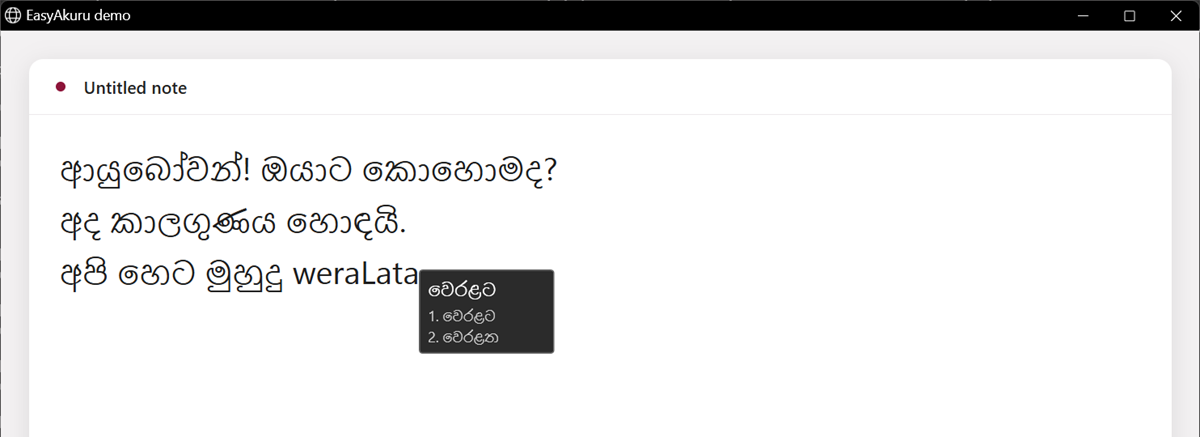
- Type Sinhala words in Latin letters In Word, your browser, email, chat or Notepad, type words the way they sound. A small suggestion box appears next to your cursor.
- Accept, pick or undo Press Space, Enter or a punctuation key to accept, a number 1–9 to pick another spelling, or Esc to keep the Latin letters.
mamaමමapiඅපිsiMhalaසිංහල
Features
Everything you need to write in Sinhala
No keyboard layout to learn and no language pack to install.
-
Works in any app
Type Sinhala in Word and other Office apps, web browsers, email, chat apps and Notepad. The text is standard Sinhala Unicode.
-
Suggestions by your cursor
A small box shows the Sinhala spelling and numbered alternatives. Pick with 1–9 or the arrow keys, or press Esc to keep what you typed.
-
Switch with Ctrl+Space
Need to type English? Press Ctrl+Space or use the tray menu to turn Sinhala typing off, and press it again to turn it back on.
-
Ready when you sign in
EasyAkuru runs quietly in the system tray and starts when you sign in to Windows. You can turn that off in Windows Settings > Apps > Startup.
-
Private and local
Everything is processed on your PC. EasyAkuru has no network features, accounts, ads or analytics, and it tries to leave password fields alone. Read the privacy policy.
-
Remembers your choices
When you pick a different spelling from the suggestion box, EasyAkuru remembers it and suggests it first next time.
Screenshots
See EasyAkuru in action
-
Type Singlish and a suggestion box shows the Sinhala word and its alternatives. -
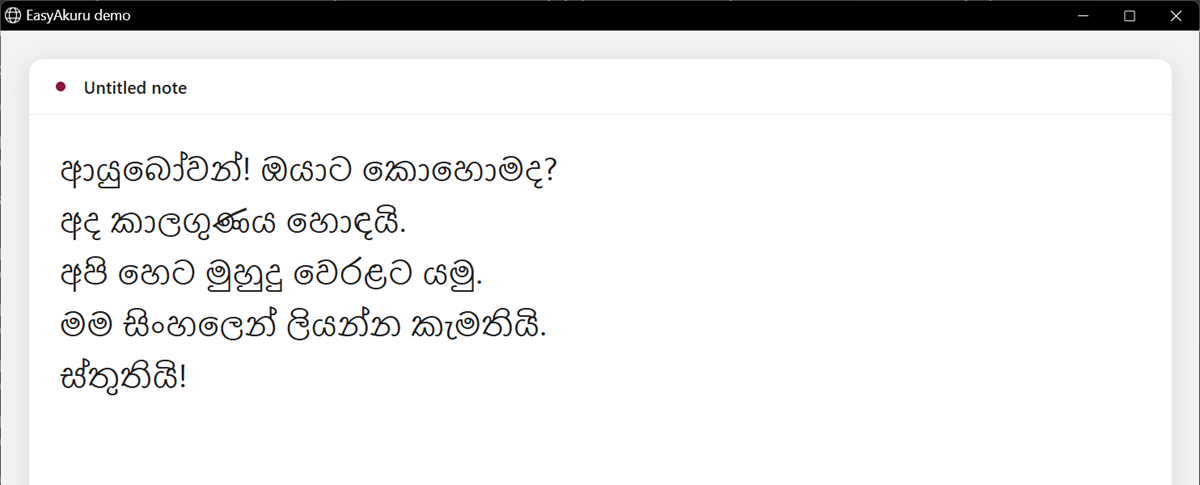
Real Sinhala Unicode text, typed in an ordinary app. -
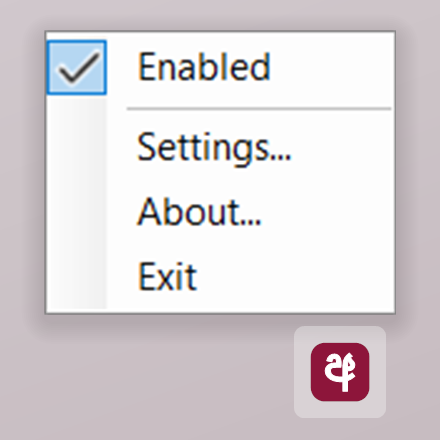
The tray menu: turn Sinhala typing on or off, or open Settings and About. -
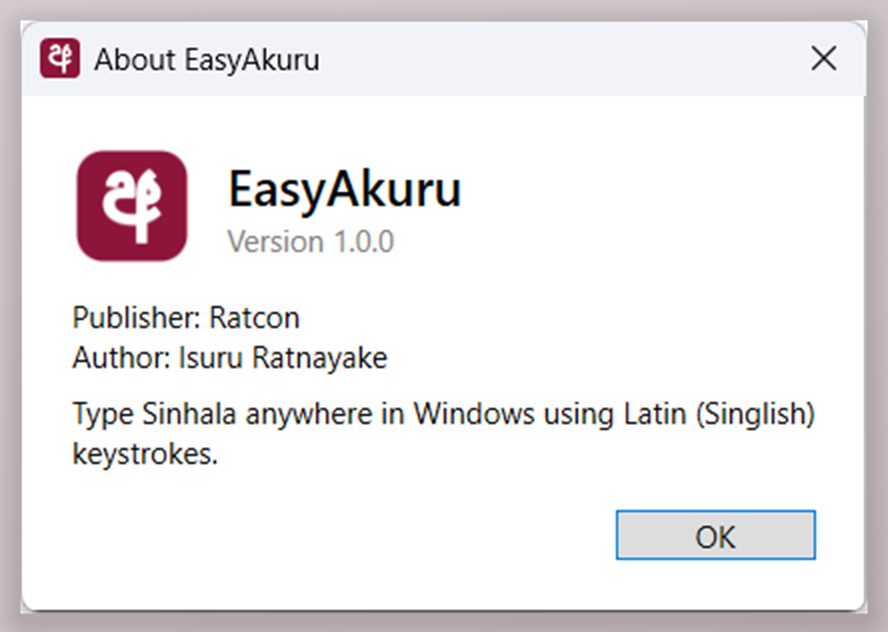
About EasyAkuru: version, publisher and author.
FAQ
Common questions
Does EasyAkuru send what I type anywhere?
No. EasyAkuru reads your key presses to convert them, but all processing happens on your PC, in memory. It has no network features and never sends, stores or logs your keystrokes. It saves only your settings and the spellings you pick, in your own Windows user profile.
How do I type English again?
Press Ctrl+Space, or right-click the අ icon in the system tray and clear Enabled. Do the same again to go back to Sinhala.
How do I stop it starting when I sign in?
Open Windows Settings > Apps > Startup (or the Startup apps page in Task Manager) and turn EasyAkuru off.
What do I need?
Windows 10 (version 1809 or later) or Windows 11 on an x64 PC, and a physical keyboard with a Latin-letter layout. The Sinhala fonts that come with Windows, such as Nirmala UI, display the text.
Start typing Sinhala today
සිංහල පහසුවෙන් ලියන්න